mirror of
https://github.com/zed-industries/zed.git
synced 2026-06-01 03:14:56 +07:00
 b359a42d56
# Helix Amp Jump Navigation ## Overview Implements Helix-style "amp jump" (`g w`) navigation for jump-to-word functionality. This feature displays two-character labels on each word in the visible area, allowing users to quickly jump to any word by typing its label. Labels alternate between forward and backward directions (same algorithm as in the Helix) from the cursor position, giving closer jump targets easier-to-type labels. ## Context - **Request:** Implement "amp jump" navigation similar to Helix editor's jump-to-word feature. - **Scope:** Full implementation including label generation, UI rendering, and input handling. - **Inspiration:** Helix editor's "amp jump" and vim-easymotion/hop.nvim plugins. ## How It Works 1. Press `g w` to activate "amp jump" 2. Two-character labels appear on all words in visible area 3. User types the two-character label shown on the target word 4. Cursor jumps to that word 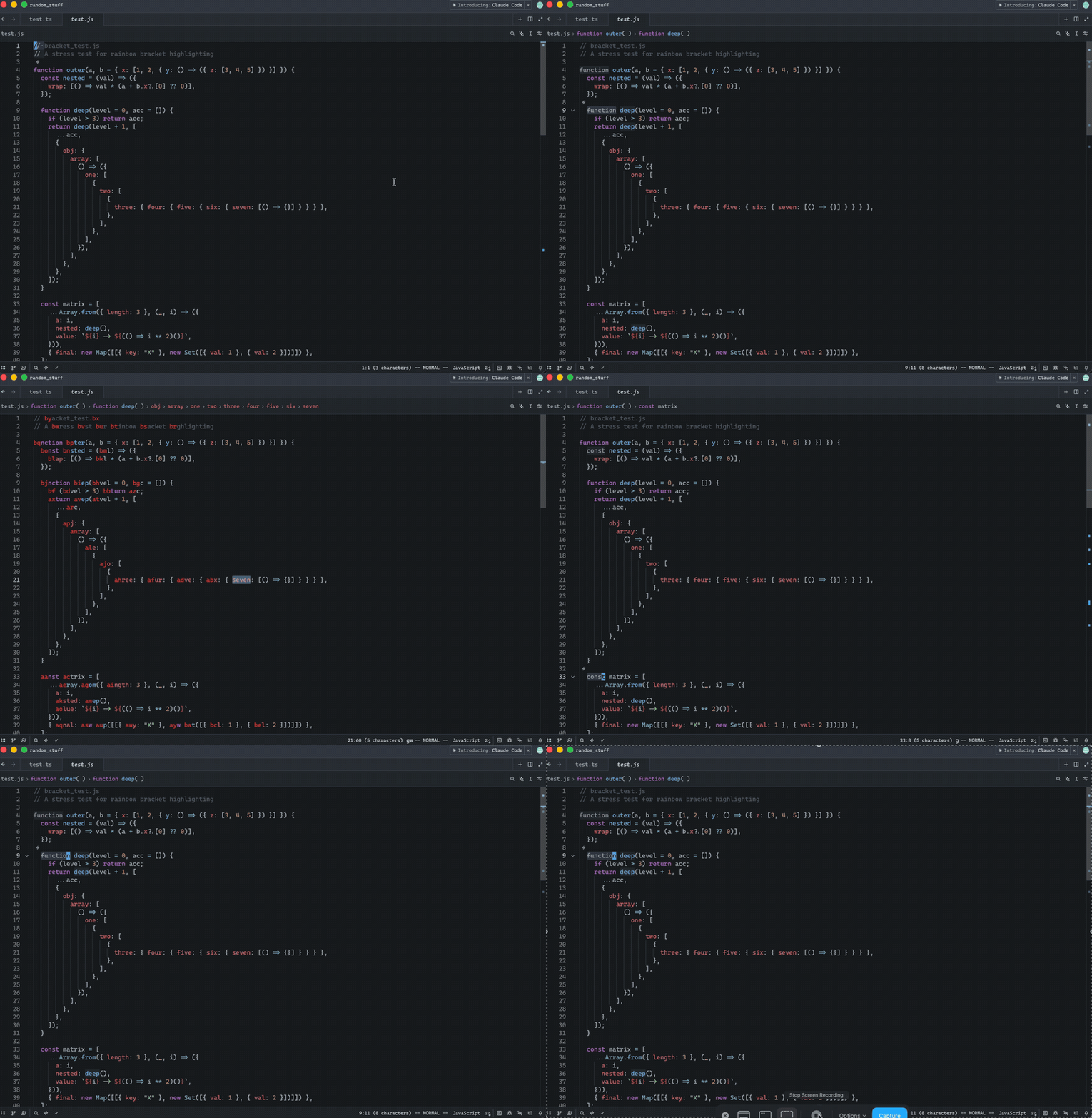 Release Notes: - Added in Helix mode the "amp jump" navigation (`g w`) that displays two-character labels on words for quick cursor navigation. Labels alternate between forward and backward directions from the cursor, prioritizing closer targets with easier-to-type labels. The color of the labels can be controlled via a new `helix.jump_label_accent` setting --------- Co-authored-by: Jakub Konka <kubkon@jakubkonka.com> |
||
|---|---|---|
| .. | ||
| src | ||
| Cargo.toml | ||
| LICENSE-GPL | ||