| assets | ||
| js | ||
| legacy | ||
| firebase-setup.md | ||
| index.html | ||
| instances.json | ||
| INSTANCES.md | ||
| license.md | ||
| manifest.json | ||
| readme.md | ||
| styles.css | ||
| sw.js | ||


Monochrome
Monochrome is an open-source, privacy-respecting, ad-free TIDAL web UI, built on top of Hi-Fi.
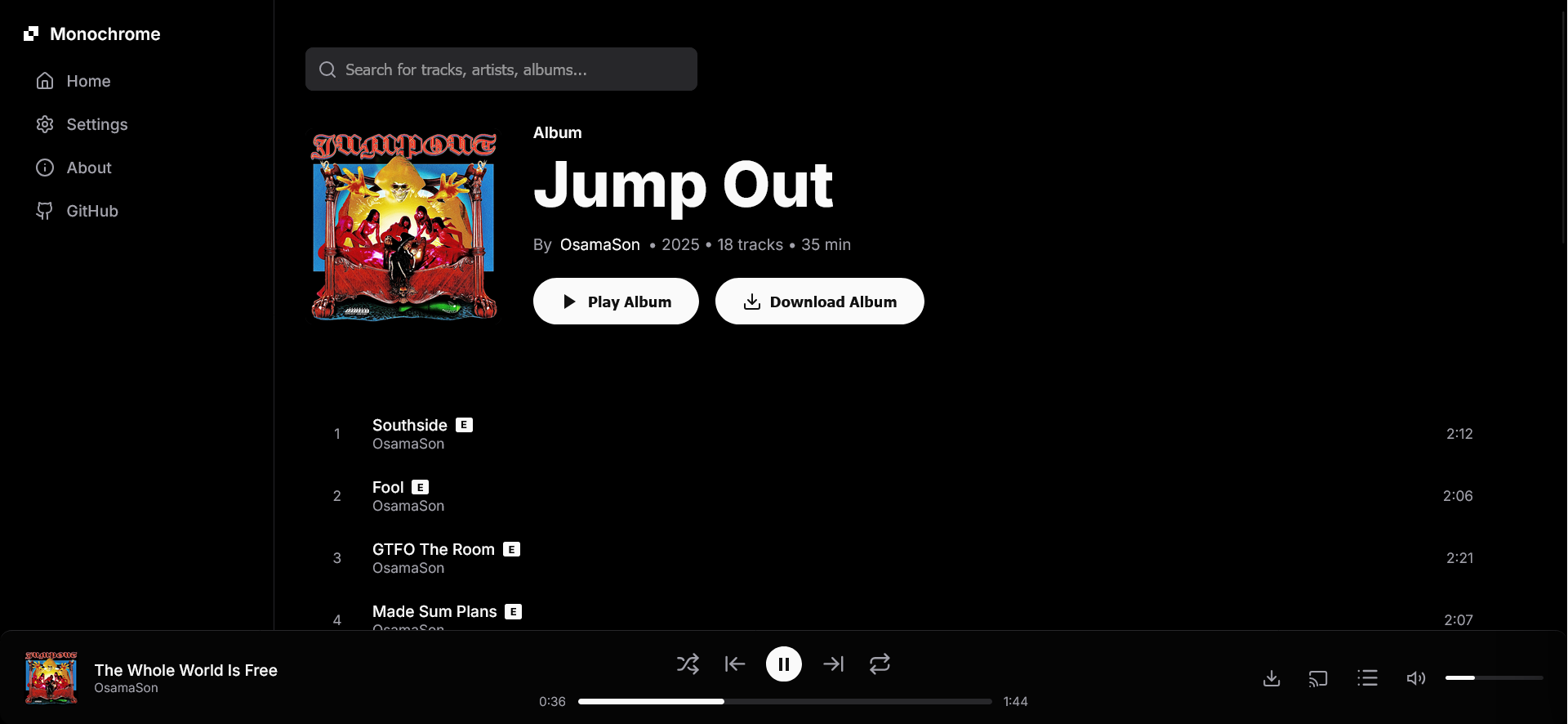
Check it out live at: monochrome.samidy.com




Warning
This is not the official repository or instance. It is an actively maintained fork. The official one can be found here: https://github.com/eduardprigoana/monochrome . This fork was created because the original project was shut down (as you can see in the repository).
I am Not Affiliated with the original Owner.
Development
Monochrome is built with Vanilla JavaScript, HTML, and CSS. No build step is required (no Webpack, Vite, etc.), but because it uses ES Modules, you must run it over HTTP(S).
Prerequisites
- A modern web browser
- A way to serve static files (e.g., Python, VS Code Live Server, Node.js
http-server)
Setup
-
Clone the repository
git clone https://github.com/SamidyFR/monochrome.git cd monochrome -
Run locally You can use any static file server. For example:
Using Python 3:
python3 -m http.server 8000Using Node.js
http-server:npx http-server . -
Open in Browser Navigate to
http://localhost:8000(or whatever port your server uses).
Contributing
- Fork the project
- Create your feature branch (
git checkout -b feature/AmazingFeature) - Commit your changes (
git commit -m 'Add some AmazingFeature') - Push to the branch (
git push origin feature/AmazingFeature) - Open a Pull Request